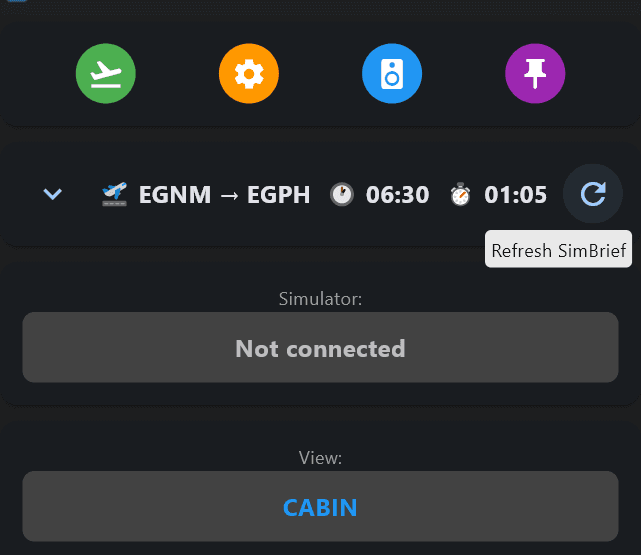
Step 1 - Simbrief
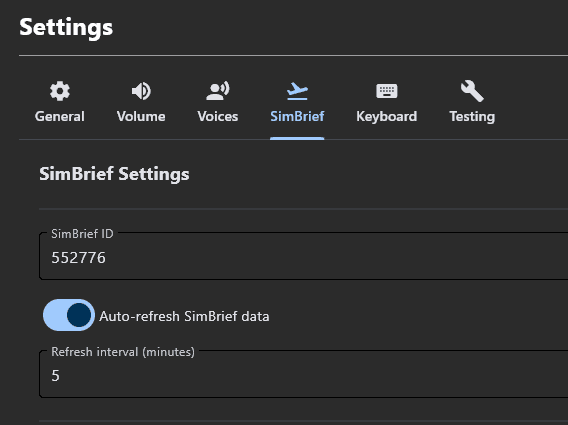
SimCab uses SimBrief for flight initialisation. Please ensure you have a Simbrief account and input your Pilot ID (Found in Account Settings in Simbrief) in the Simbrief Tab found in Settings
Step 2 - Key Binds
Please open settings and set your simulator view Key binds (the keys you use to alternate between Cabin / Cockpit view)

Step 3 - Voicing
Choose your preferred Cabin Crew pack in VOICES tab in settings. You also have the option to create your own Flight Attendant Pack should you want to customise this. Follow the link in settings for instructions.

Step 4 - Import SimBrief
Import Simbrief Data, start simulator and Start Flight. CabSim will detect stages and monitor your flight.